A CRM only works if the data in it is current, and the fastest way to kill one is to make your team type everything in by hand. Sales reps already spend only about 40% of their week actually selling. When the CRM becomes another data-entry chore, busy people skip it, the data goes stale, and the whole system quietly fails. That is a big part of why roughly 55% of CRM rollouts miss their objectives.
CRM automation fixes both problems at once. It does the repetitive work so the CRM stays accurate and your team stays selling. This guide covers what CRM automation is, what to automate first, what to leave alone, and how to do it without making a mess.
What CRM automation is
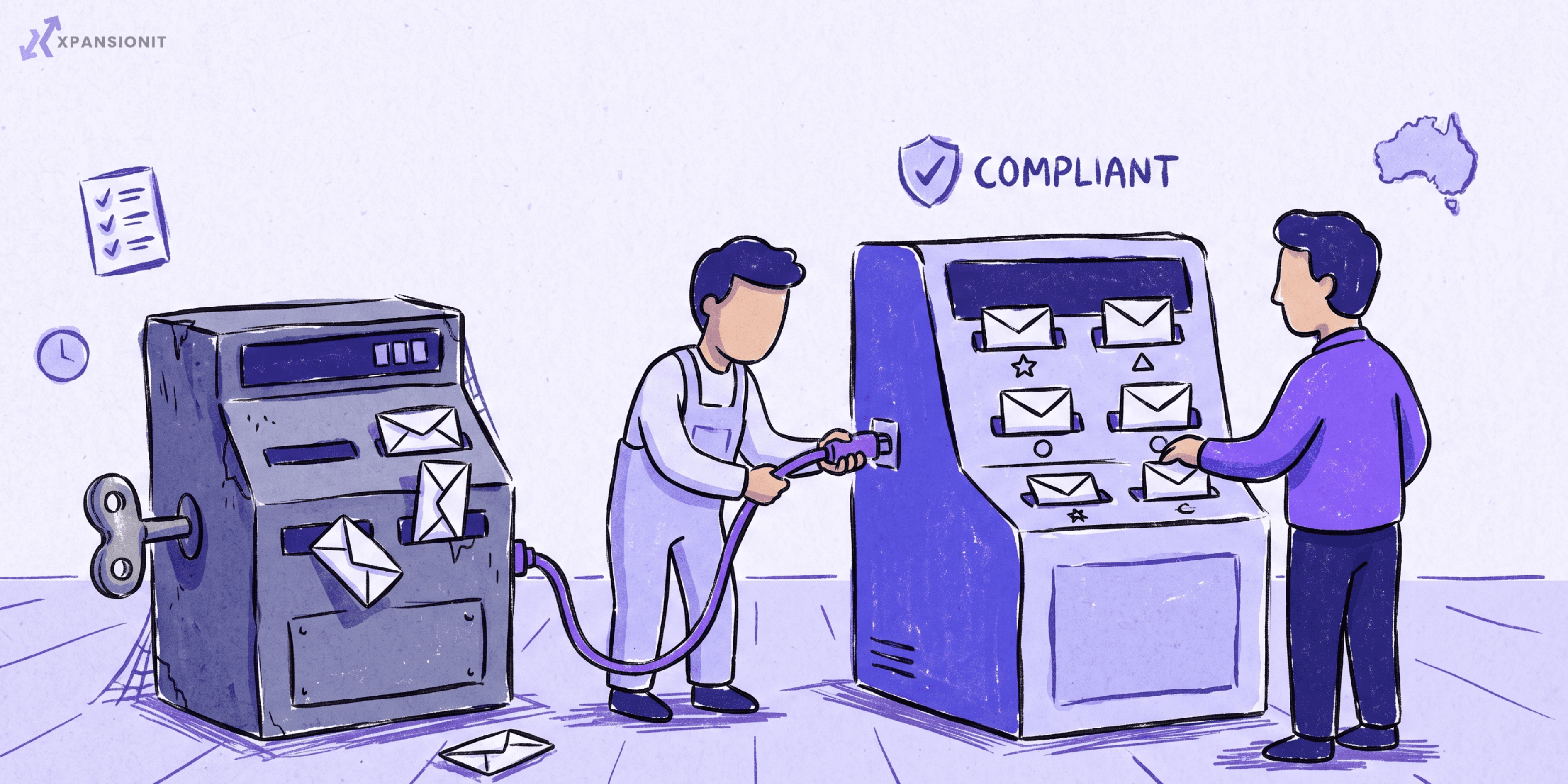
CRM automation is using rules, triggers, and AI to handle the repetitive work inside your CRM: capturing data, creating and routing leads, moving deals through stages, sending follow-ups, and building reports. Your people do the human parts, and the software does the rest. McKinsey estimates that around 20% of a sales team's capacity can be freed simply by automating non-customer-facing work like data entry, quotes, and status updates. That is a day a week back, per person, without hiring anyone.
Why it matters: the adoption problem
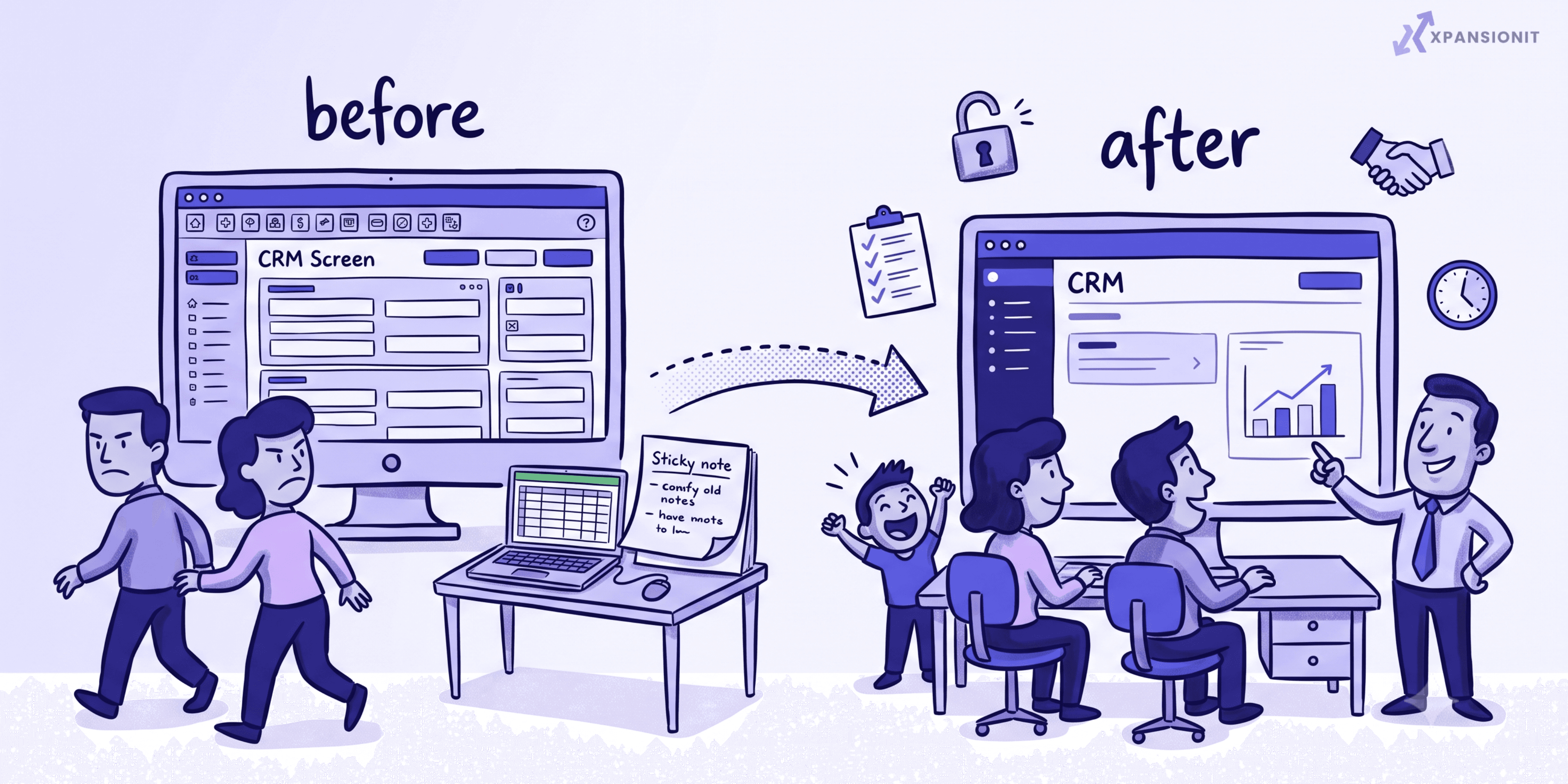
Most CRMs do not fail because the software is bad. They fail because nobody keeps them updated. When logging a call or updating a deal is a manual task, people skip it, the data rots, and every report and forecast built on it becomes worthless. Automation breaks that cycle by removing the chore. Clean, current data is the foundation everything else depends on: your reporting, your forecasting, and any AI features you add later. Get the data right through automation, and the rest of the CRM finally starts to pay off.
What to automate first
Start with the tasks that eat the most time and cause the most skipped updates.
- Data capture and entry. Auto-log emails, calls, and meetings, and enrich new contacts automatically. This is the single biggest win, because manual data entry is the main reason teams abandon a CRM. Automating repetitive tasks like this is where CRMs save teams 5 to 10 hours a week.
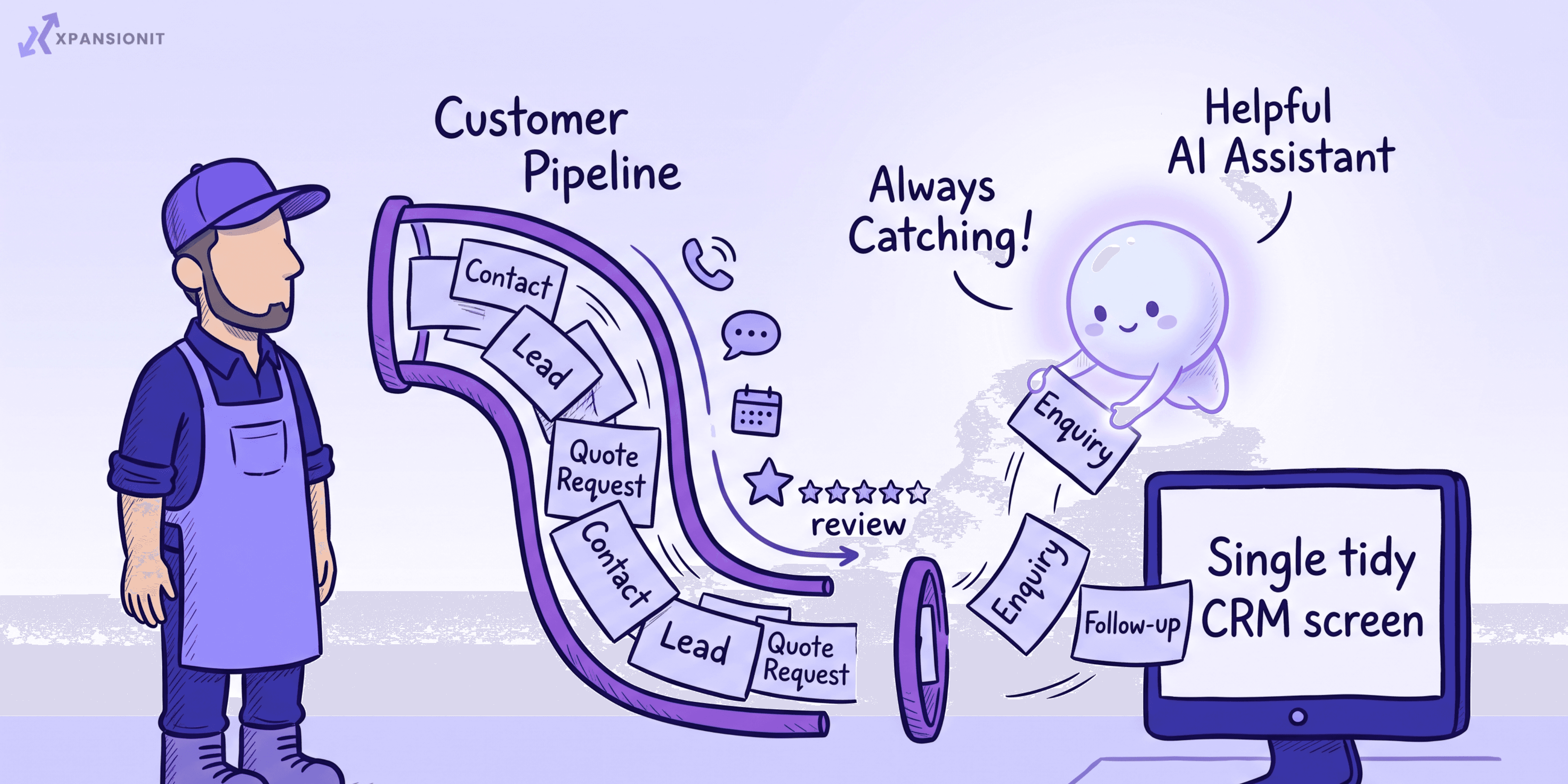
- Lead capture and routing. New enquiries become CRM records instantly and get assigned to the right person automatically, so nothing sits forgotten in an inbox and no lead goes cold.
- Follow-up reminders and sequences. Automated reminders and follow-ups so deals do not slip because someone simply forgot.
- Pipeline and stage movement. Deals advance on triggers, and stale deals get flagged automatically, so your team can see exactly what is stuck.
- Task creation. The next step is created automatically after each stage, so reps always know what to do next without thinking about admin.
- Reporting and dashboards. Reports update themselves in real time, so nobody is rebuilding the same spreadsheet every Monday.
What to automate later, with AI
Once the basics run themselves and your data is clean, AI adds another layer: scoring and prioritising leads, summarising calls and emails, drafting follow-ups in context, and flagging deals at risk. Around 80% of CRM users now use AI features, but these work best sitting on top of clean, automated data, not instead of it. Good AI integration is the layer you add after the busywork is already handled, not before.
What not to automate
Automation is for the busywork, not the relationship. Do not automate the human moments: the judgment calls, the sensitive conversations, and the personal touch that actually wins and keeps customers. Over-automation is easy to spot and quietly corrosive. Customers can tell when every message is a template, and a robotic sequence does more harm than no sequence at all. Keep a human in the loop for anything that genuinely needs one.
How to do CRM automation right
- Map your real process first. Automate the steps your business actually follows. Automating a messy process just makes the mess happen faster.
- Fix your data before you build on top of it. Automation running on duplicated, messy data spreads bad data everywhere. Clean and unify it first.
- Start small. Automate the one task your team hates most, prove it works, then expand. Trying to automate everything at once is how automation projects stall.
- Build it to fit your workflow. Off-the-shelf automation is generic and forces your process into the tool's mould. A custom CRM lets you automate exactly how your business runs, and business process automation connects the CRM to the rest of your tools so the whole chain runs itself.
- Add AI where it genuinely helps. Once the basics are solid, layer in AI for scoring, summarising, and drafting.
How to start
Watch where your team spends time inside the CRM, and where they quietly avoid it. The task people complain about most, or skip altogether, is your first automation. Fix that one, measure the time it gives back, and move to the next. Small, proven wins beat a giant automation project that never ships.
The short version
CRM automation uses rules, triggers, and AI to handle the repetitive work inside your CRM, so your team stays selling and your data stays clean. Automate data capture, lead routing, follow-ups, pipeline movement, tasks, and reporting first, add AI on top once the basics run themselves, and never automate the human moments. Map your process, fix your data, start small, and build it to fit how you actually work.
If you want to automate the busywork out of your CRM, you can book an intro call and we will look at where your team is losing time before any work begins.