Most local businesses do not lose customers because the work is bad. They lose them in the gaps: the enquiry that sat unanswered overnight, the quote that never got chased, the happy customer nobody called back six months later. A CRM closes those gaps, and a little AI closes them faster. Businesses that use a CRM well report saving around five to ten hours a week on admin and follow-up, which for a small local team is most of a working day. Real estate is one of the sharpest examples of this, which we cover in AI for real estate agents in Australia.
Here is a practical playbook for an Australian local business, in the order worth doing it. You do not need all of it at once. Start at the top and stop wherever the value runs out for now.
1. Get every lead into one place
Before any AI, fix the basics. Right now your leads probably live in three or four places at once: an inbox, a phone, a couple of social inboxes, and someone's notebook. Pick one local business CRM and make it the single source of truth, so every enquiry, customer, and job lives in the same system. If you cannot see all your leads in one view, nothing downstream will work. Our guide to choosing a small business CRM covers how to pick one without overbuying.
2. Capture leads automatically
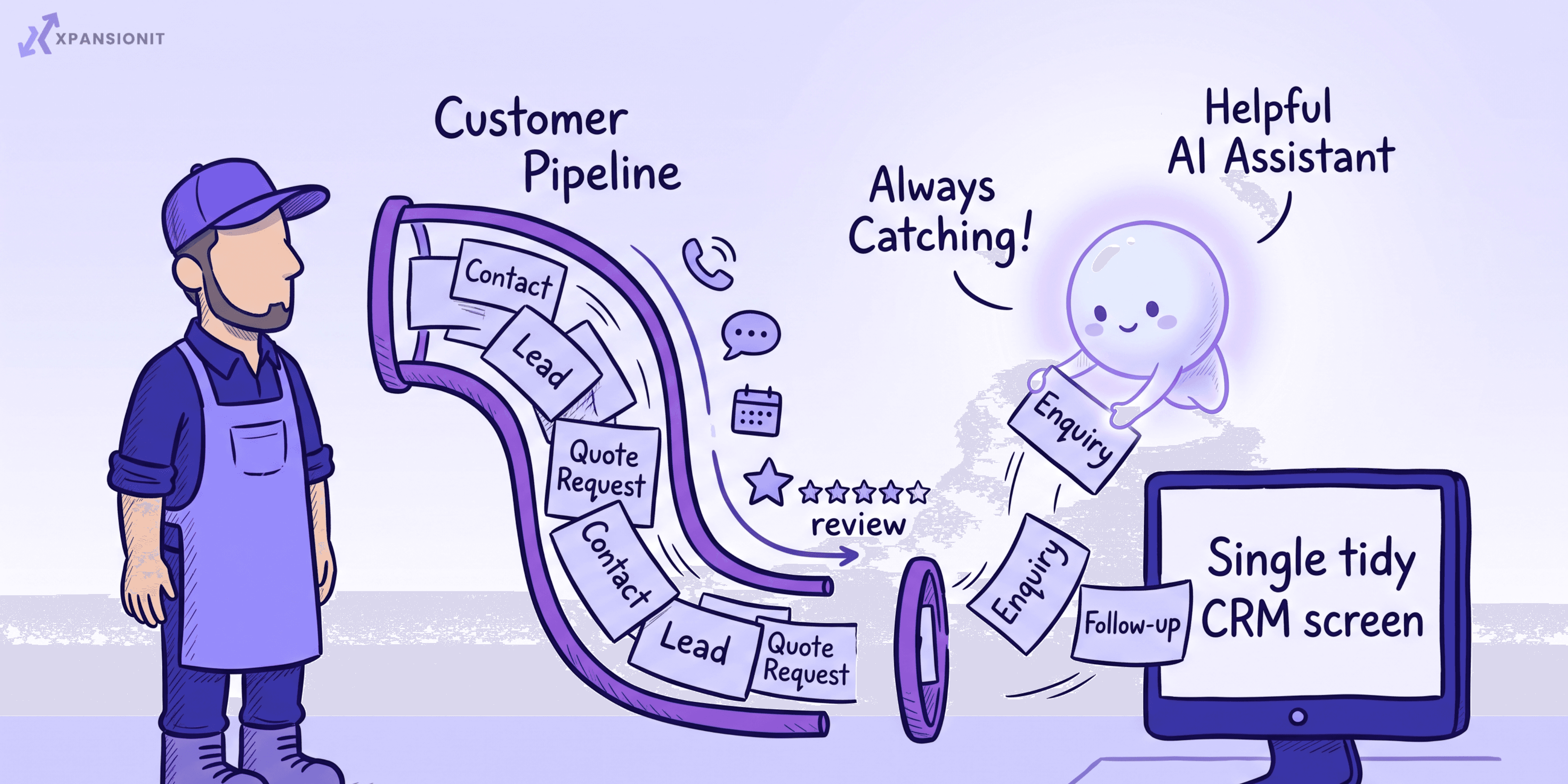
Manual data entry is where leads quietly die. Connect your website enquiry form, your phone, and your social channels so a new enquiry lands in the CRM on its own, with no copying and pasting. This is also the first place AI earns its keep: an AI chatbot on your site can answer common questions and capture and qualify after-hours enquiries while you are asleep, so the Saturday-night job is still there on Monday morning.
3. Respond fast, every single time
For local work, speed wins the job. The business that replies in five minutes usually beats the one that replies in five hours, regardless of price. Set up an instant acknowledgement to every new enquiry, and create an automatic task to call them back within the hour. Let AI draft that first reply in your tone so it goes out in seconds, and let a person add the human touch before it sends.
4. Let AI handle the follow-up nobody has time for
Follow-up is the single biggest leak in a local business, and the most boring job to do by hand. Set up automatic follow-up sequences for quotes and enquiries that have gone quiet, and let AI draft the messages and summarise call notes so your records stay current without anyone typing them up. If you are not sure what to automate first, our post on what to automate in a CRM is a good map.
5. Use AI to prioritise, not to decide
When the leads are flowing, AI can score and sort them so you chase the ones most likely to convert first. Treat that as a suggestion, not a verdict. A person should still make the call on who to pursue and how, both because the AI does not know your town the way you do, and because letting software make significant decisions about people now carries real obligations in Australia. We cover those in responsible AI for Australian businesses.
6. Automate the admin that drives customers away
No-shows, forgotten quotes, and silence after a job all cost you money. Automate appointment reminders to cut no-shows, let AI draft quotes and confirmations from a short brief, and trigger an automatic request for a Google review the day after a completed job. That last one quietly builds the local reputation that brings in the next customer.
7. Keep selling to the people you already won
The cheapest customer to win is the one you already have. Use the CRM to trigger repeat and seasonal follow-ups, the annual service, the reorder, the check-in, and let AI flag which past customers are due or worth re-contacting. Most local businesses sit on a list of past customers they never speak to again, which is money left on the table.
8. Keep the data tidy and the AI honest
Your CRM is only as good as the data in it, so keep it clean: merge duplicates, remove dead records, and keep notes current. And because you are an Australian business handling personal information, be transparent about where AI is involved in decisions and keep a human accountable for the ones that matter. Tidy data and clear oversight are not just good manners, they are increasingly the rules.
Your start-this-week checklist
You can begin without a big project. This week:
- Choose one CRM and move all your current leads and customers into it
- Connect your website form so new enquiries land in it automatically
- Turn on an instant acknowledgement reply to every enquiry
- Create a "call back within the hour" task for new leads
- Set up one follow-up sequence for quotes that go quiet
- Switch on appointment reminders to cut no-shows
- Add an automatic review request after each completed job
Seven things, none of them a software project. Do those and you will already plug most of the leaks.
When a generic CRM is not enough
Most local businesses are well served by an off-the-shelf CRM with these habits built around it. You only outgrow that when your process is unusual enough that no tool fits, when you are stitching together several tools that will not talk to each other, or when the CRM is fighting the way you work. At that point a custom CRM or some process automation shaped around your business starts to pay for itself.
If you want a hand setting any of this up, or working out whether off-the-shelf or custom fits your local business, tell us how you work and we will point you the right way.