Can You Really Build an App With AI?
Yes. With tools like Lovable, Bolt, Replit, Cursor or Claude Code, you can describe an app in plain English and have a working version on screen within hours, even if you've never written code.
What AI is great at is getting you a first version fast. What it's not great at is the part that comes after: keeping real customers' data safe, taking payments and keeping the app running as it grows. Knowing where that line sits will save you a lot of money and stress.
Why Everyone Is Trying It
A year or two ago, testing an app idea meant hiring a developer before you knew if anyone wanted it. Now you can build something clickable over a weekend and show it to real people on Monday.
That's a big deal. It means far fewer good ideas die in a notebook, and far fewer bad ideas get expensive before anyone notices they're bad.
What AI Does Well
AI app builders are brilliant for:
- Testing an idea. Build something rough, put it in front of customers and see if they care.
- Internal tools. A simple tracker, form or dashboard that only your team uses.
- Demos for investors or partners. Something they can click through instead of a slide deck.
- Simple, low-risk apps. Things that don't handle money or sensitive personal information.
For any of these, going it alone with AI is a smart, cheap way to start.
Where It Gets Risky
The trouble starts when a quick prototype quietly turns into the real product. These are the areas where AI-built apps most often come unstuck:
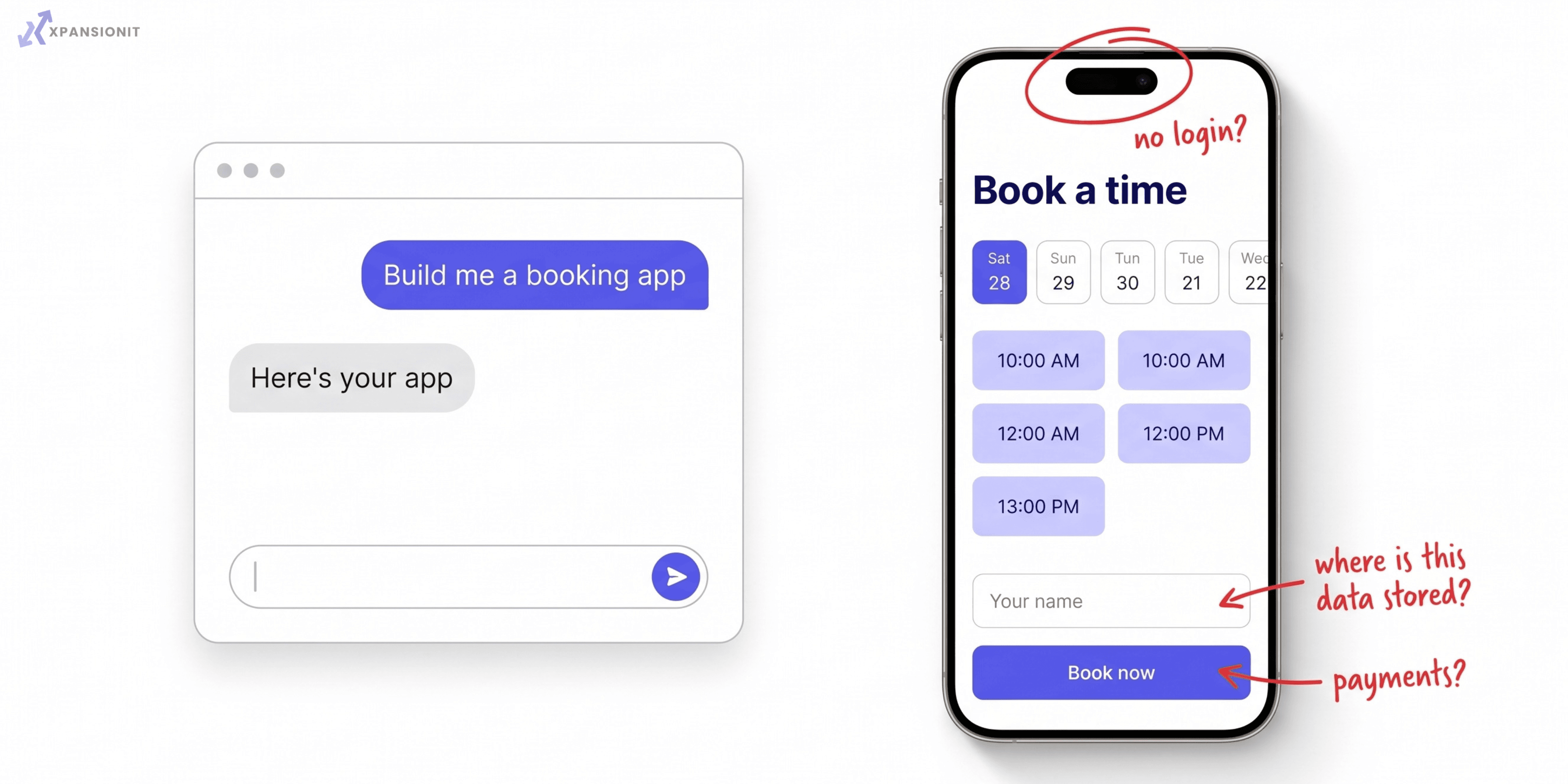
- Logins and security. AI can build a login screen that looks right but has gaps a real attacker would find.
- Payments. Taking money properly involves rules and checks that are easy to get wrong.
- Customer data. If you store personal information, you have privacy obligations. A mistake here can be serious.
- Connecting to other systems. Linking to Xero, your CRM or a booking system is often where things break.
- Growing. Something that works for ten users can struggle with a thousand.
- Fixing it later. If nobody understands how the code works, every change gets slower and riskier.
We wrote more about what happens a few months after launch in our post on vibe coding and technical debt.
A Quick Way to Tell
| What your app does | AI on its own | Get a developer involved |
|---|---|---|
| Tests an idea with a few people | Great fit | Not needed yet |
| Internal tool for your team | Usually fine | If it holds sensitive data |
| Has user logins | Risky | Yes |
| Takes payments | Not recommended | Yes |
| Stores personal or health information | Not recommended | Yes |
| Connects to Xero, a CRM or other systems | Hit and miss | Usually |
| Will be used by paying customers | Fine to start | Before you launch |
The Smart Way to Do It
You don't have to choose between AI and a developer. The approach that works best uses both:
- Build the first version with AI. Keep it rough. The goal is to learn, not to launch.
- Test it with real people. See what they use, what confuses them and what they'd pay for.
- Get it reviewed before real customers arrive. A developer checks the security, payments and data handling, and tells you what needs fixing.
- Fix or rebuild the risky parts. Often you can keep a lot of what AI built. Sometimes one or two parts need doing properly.
- Launch with confidence. Now it's safe to grow.
This way you get AI's speed at the start, and you don't bet your business on code nobody has checked.
Signs It's Time to Call a Developer
- You're about to put real customers on it.
- It's going to take payments or store personal details.
- Small changes keep breaking other things.
- You can't explain how an important part of it works.
- You're raising money or selling the business, and someone will look at the code.
If any of those sound familiar and your app is already live, it's usually fixable without starting again. Our guide to software project rescue explains how we take over apps like this.
Built Something With AI?
If you've built an app with AI and want to know if it's safe to launch, we'll review it and tell you straight what's fine, what needs fixing and what it would cost. Fixed price, no surprises, and you own the code.
See how we build and fix custom software, or send us a message with a link to what you've made.