What Is the Best AI Accounting Software in Australia?
For most Australian businesses, the best AI accounting software is the AI already built into the platform you use: Xero, MYOB or QuickBooks. All three now include AI that matches bank transactions, reads receipts and invoices, and helps with BAS. Specialist tools add to them for jobs like receipt capture or practice management.
So the real question is not which tool is smartest. It's which one fits the job you need done and the system you already run. We at XpansionIT don't sell accounting software, we build and connect systems, so this is a neutral guide: what each platform's AI does today, how to choose, and how to wire tools together so they save time instead of adding another login.
The Main AI Accounting Software in Australia
Here's what the three big platforms offer, as at October 2026. These features are changing fast, so check what's included in your plan before you decide.
Xero. Xero's AI sits in JAX, which it calls an agentic platform for small businesses, accountants and bookkeepers. JAX reads source documents such as bills and receipts and pulls the details straight into Xero, and matches transactions to your bank feed in real time. Xero has also launched XeroForce, which lets you build your own AI agents with plain-English prompts and connect Xero to the other apps you use, including a month-end agent for accounting practices.
MYOB. MYOB's AI is built around Australian compliance. Its headline feature is AI BAS, which reviews transactions and suggests BAS treatments, initially for sole traders. Smart Invoice Reminders is live, while AI Business Insights and Smart Reconciliation are in beta and rolling out across Solo, Business Lite and Pro, and AccountRight. MYOB has also signed a five-year AI partnership with Microsoft, with more features expected later in 2026.
QuickBooks. QuickBooks has launched a set of AI agents in Australia covering accounting, finance, customer management, projects and GST. Its Accounting Agent suggests categories, matches transactions and flags possible errors in your reports. A GST agent is in beta, and the Finance Agent is only on QuickBooks Advanced. For accounting firms, Intuit also offers its Accountant Suite.
Specialist tools. Around these platforms sit specialist apps for single jobs, such as receipt and invoice capture apps that read documents and send coded entries into your accounting software, and practice management tools for accounting firms. They make sense when one job needs to be done better than your main platform manages.
| Software | AI features (as at October 2026) | Good fit for |
|---|---|---|
| Xero | Document reading, real-time bank matching, custom AI agents with XeroForce | Businesses and practices that want to connect lots of apps or build their own agents |
| MYOB | AI BAS, smart invoice reminders, insights and reconciliation in beta | Australian small businesses focused on BAS and compliance |
| QuickBooks | AI agents for accounting, finance, customers, projects and GST | Businesses that want ready-made agents across several jobs |
| Specialist apps | Receipt and invoice capture, practice management | One job that needs to be excellent |
Which should you choose? If you already use one of these platforms, start with the AI it includes. Switching accounting platforms just for AI features is rarely worth the disruption. If you're choosing from scratch, decide which job matters most to you, then pick the platform whose AI handles that job best.
A Situation You Might Recognise
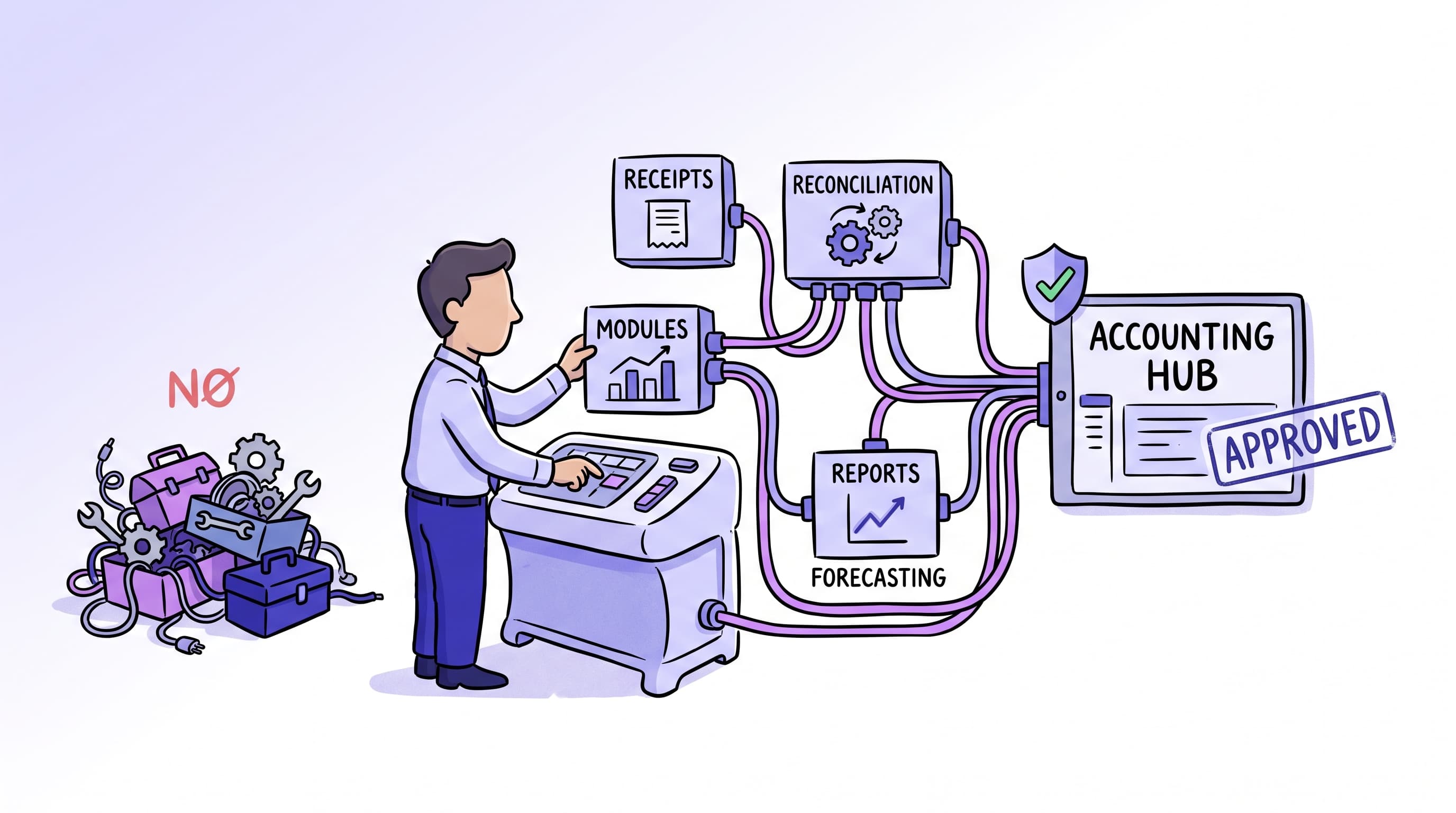
Your practice or finance team has heard that AI can take the grind out of the books, so someone starts a free trial. Then another. Before long you have a receipt scanner, a reconciliation assistant, a forecasting add-on, and your core accounting platform, and none of them quite talk to each other. Staff are copying data between tools, the "time saved" got eaten by the shuffling, and nobody is sure which system holds the truth anymore. The tools are all good. The stack is a mess. This is the most common way AI accounting adoption goes sideways, and it comes from choosing tools one at a time instead of designing how they fit together.
Why the Tool Matters Less Than the Fit
Every mainstream accounting platform now ships AI features, and a wave of specialist tools sits around them for capture, coding, and forecasting. On a feature-by-feature basis they are closer than the marketing suggests, so the deciding factors are rarely the headline capability. They are these: does it handle Australian compliance properly, does it connect cleanly to the systems you already use, and does it suit the way your team really works. A tool that scores highest on paper but cannot see your bank feed, or forces a workaround for BAS, will lose to a plainer tool that fits. The fit is the feature. The rule is the same one that applies to AI generally: match the tool to the job and the data, not the leaderboard.
Start With the Job, Not the Tool
Break your accounting work into the jobs AI can help with, and pick per job rather than hunting for one tool that does everything.
Receipt and invoice capture. Reading a supplier document and turning it into a coded entry with the source attached. This is where a lot of after-hours admin disappears.
Bank reconciliation and coding. Matching the obvious transactions automatically and surfacing only the ones that need a human eye.
BAS and reporting drafts. Assembling the numbers, drafting the worksheet, preparing the report for review.
Client and cash flow work. Chasing invoices, forecasting cash position, drafting routine client emails.
Most businesses have one job that hurts most. Fix that first with the tool that does it best, connect it to your core platform, and only then look at the next job. Our companion piece on AI for accountants goes deeper on what these tools do inside a firm.
The Selection Checklist
Run any AI accounting tool through this before you commit. If it fails the compliance or integration items, stop, regardless of how good the demo looked.
- It handles current Australian obligations: BAS and GST, Single Touch Payroll, and the current superannuation rules.
- It connects to your core accounting platform and your bank feeds without manual re-entry.
- You know where your data is stored, and whether that meets your obligations for client financial data.
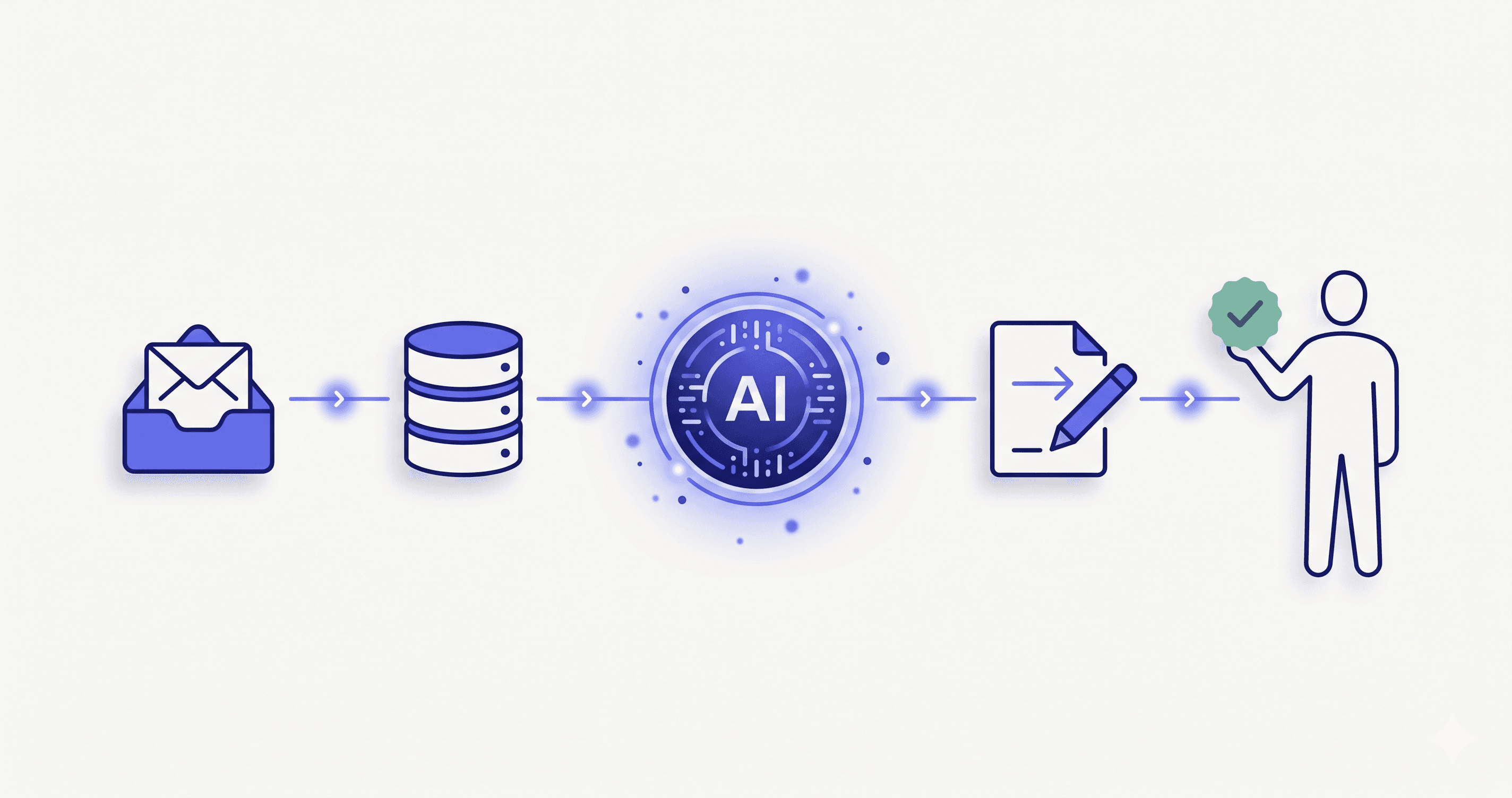
- A registered practitioner can review and sign off anything before it is lodged or sent.
- It fits your real workflow, not a tidied-up demo version of it.
- The pricing model still makes sense as your transaction volume or headcount grows.
- You can export your data and leave without being held hostage by the vendor.
- It solves the specific job you named, rather than a dozen jobs you do not have.
Your Options, and the Trade-offs
There is no single right setup, but there are recognisable paths.
Use the AI built into your core platform. The simplest route. The features are decent, everything lives in one place, and nothing has to be integrated. Right for most small and straightforward operations.
Add a specialist tool for one job. When one task, usually capture or forecasting, needs to be better than your core platform manages, bolt on a specialist and connect it. More capable, but now you own an integration.
Stack several specialists. Powerful for a busy practice, but this is exactly where the tangle starts, so it only works if the connections are designed rather than accumulated.
Build custom around the tools. For a larger firm or an unusual workflow, the answer is often not a new tool at all, but custom integration that wires your chosen tools into one clean flow, or a layer that removes the copying between them. This is the work we do, and it is the fix for the mess in the situation above.
Here is how those compare.
| Approach | Best for | Trade-off |
|---|---|---|
| Core platform AI only | Small, straightforward operations | Limited depth on any one job |
| One specialist added | A single job that needs to be excellent | You own one integration |
| Several specialists stacked | Busy practices, high volume | Tangle risk if not designed |
| Custom integration around tools | Larger firms, unusual workflows | Higher upfront, biggest time saved |
For most, the sensible path is to start with the first or second and only move to custom when the copying between tools becomes the bottleneck itself. That connective work, wiring tools into one clean flow, is where the real time saving lives.
What Can Go Wrong
A handful of failure patterns show up again and again.
The disconnected stack. The mess from the situation above: good tools that do not talk, so staff become the integration. If the time saved is being spent moving data by hand, you have bought the wrong shape of solution.
The compliance blind spot. Choosing a tool on features and discovering it does not handle a BAS or payroll obligation properly. Compliance is a pass-or-fail gate, not a nice-to-have, so check it first.
The unreviewed output. Letting AI post or lodge without a human check. The Tax Practitioners Board holds the registered practitioner responsible for what reaches the ATO, so the rule is simple: AI prepares, a person authorises. This is the heart of doing AI responsibly in Australia.
The data you cannot get back. Committing to a tool that makes leaving hard, or stores sensitive financial data somewhere you would not choose. Check the exit and the data location before you depend on it.
The tool for a job you do not have. Buying an impressive platform because it is impressive, not because it fixes your actual bottleneck. Name the job first, and a lot of options fall away.
Why This Matters to Us
We are a small Adelaide team, and because we do not sell accounting software, we can be neutral about it. What we care about is the part the tool vendors gloss over: whether your chosen tools fit together, keep client data where it should be, and leave a human accountable for what gets lodged. We would rather help you pick the right tool for the job and connect it cleanly, or tell you that your core platform already does what you need, than watch a good practice drown in a stack of subscriptions that never quite line up. The goal is fewer logins and more time, not the reverse.
Talk to Us
If your firm is weighing up AI accounting tools, or you already have a few and they will not talk to each other, we are happy to give you a neutral read on what to keep, what to connect, and what to drop. Call us on +61 420 883 221 or tell us about your current setup, and we will help you match the tools to the jobs before you add another subscription.
And when the answer is to wire your tools into one clean flow, or build a custom layer that removes the copying between them, that is exactly what our AI development and integration work is for. When you are ready, get in touch.