How do I assess a legacy system before changing it?
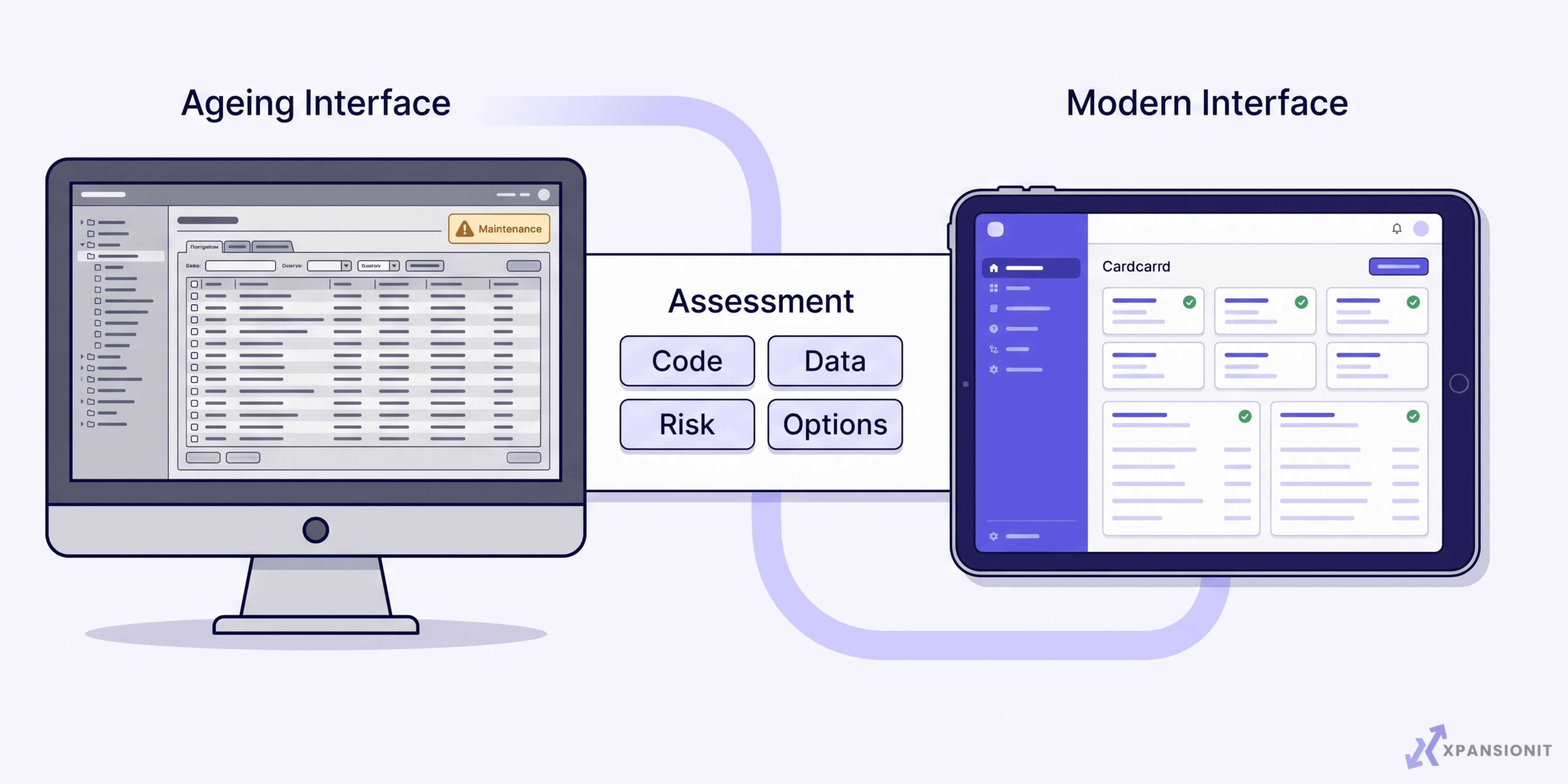
Start by understanding what the system does for the business, who depends on it, what connects to it and what would happen if it stopped. Then examine the code, infrastructure, data, security, integrations and available documentation. The goal is not to prove that the system is old. It is to decide whether the safest next step is to leave it alone, stabilise it, repair a specific problem, refactor parts of it or replace it gradually. A useful legacy system assessment ends with priorities, risks and a practical sequence of work.
A situation you might recognise
The software still opens. Orders still move through it. Staff still know which buttons to press. There may be no obvious reason to change anything.
Inside the business, the picture is different. A small update takes longer than expected because nobody is certain what else it might affect. One employee knows the workaround for a recurring problem, but it has never been written down. An integration fails occasionally, and the team fixes the missing records by hand. The original developer has moved on, the framework is no longer well supported, or the hosting account belongs to someone nobody can reach.
The system is useful enough to keep, but risky enough to make every change uncomfortable.
Age alone does not make software a liability. A ten-year-old application with clear documentation, supported technology, reliable backups and predictable maintenance may be safer than a new application built without proper testing. The assessment should focus on business risk and maintainability, not the date the first line of code was written.
What options do you have?
There are several sensible responses to ageing software. The most expensive option is not automatically the best, and doing nothing can be reasonable when the system remains safe, supportable and fit for purpose.
Leave it alone and monitor it
If the system is stable, inexpensive to operate and supported by people who understand it, immediate modernisation may create more disruption than value. The right response may be better monitoring, current backups and a documented recovery plan.
The trade-off is that waiting does not remove future risk. Unsupported dependencies, shrinking technical knowledge or changing business requirements can make the eventual work harder. Monitoring only works when someone is responsible for reviewing the warning signs.
Document and stabilise it
This is often the safest first step when the business relies on the system but nobody understands it completely. The work can include mapping its components, recording business rules, improving logs, testing backups and fixing the most dangerous faults.
Stabilisation buys time and reduces uncertainty. It does not make an inflexible system flexible, and it will not remove every maintenance problem. Its value is giving the business a safer position from which to decide.
Repair one problem
A focused repair suits a system with one clear failure, such as an unreliable integration, slow report or broken customer workflow. It can provide useful relief without opening the entire application.
The limitation is scope. A repair can solve the visible problem while deeper issues remain. Before treating the problem as isolated, check whether it is a symptom of poor data, outdated architecture or several connected failures.
Refactor selected parts
Refactoring improves the structure of existing code without changing the main purpose of the system. It can make important areas easier to test, maintain and extend while preserving business rules that still work.
This option needs a codebase that can be understood and tested. Refactoring poorly documented software without reliable tests can introduce new faults. It should begin with the parts causing measurable risk or blocking useful work.
Rebuild or replace it gradually
A staged replacement moves one workflow or component at a time while the old system continues operating. This can suit software that is too limited to support the business but too important for a sudden cutover.
The trade-off is coordination. Old and new components may need to exchange data during the transition, and staff may temporarily work across both. The sequence must be designed around business operations, not engineering convenience.
Our guide to legacy system modernisation in Australia explains why gradual change is usually safer than treating every old system as a complete rebuild.
What should a legacy system assessment cover?
A useful assessment combines technical investigation with conversations about how the business operates. Looking at the code alone will not reveal the manual checks, exceptions and quiet rules that staff use to keep the process working.
Use this checklist to collect the information that matters:
- Identify every team, customer and supplier that depends on the system.
- List the business processes that would stop if it became unavailable.
- Record the people who understand its code, data and daily workarounds.
- Confirm who owns the source code, hosting, database and third-party accounts.
- Map integrations, scheduled jobs, imports, exports and manual data transfers.
- Check whether the programming language, framework, database and operating environment are still supported.
- Review known faults, slow areas, recurring incidents and difficult updates.
- Confirm how backups are created, tested and restored.
- Inspect access controls, administrator accounts and sensitive information.
- Check whether important business rules exist only in code or staff memory.
- Review the quality, structure and volume of the data that may need to move.
- Identify available automated tests and the critical workflows that have no test coverage.
- List planned business changes the current system cannot support.
- Estimate the operational impact of repair, staged change and replacement.
How do the main options compare?
The decision should match the condition of the system and the direction of the business. Different components may need different treatments, so one application can contain areas worth keeping and others worth replacing.
| Option | Best when | Main advantage | Main limitation |
|---|---|---|---|
| Monitor | The system remains stable, supported and fit for purpose | Avoids unnecessary disruption | Risk may grow if warning signs are ignored |
| Stabilise | The system is important but poorly understood | Reduces uncertainty and immediate operational risk | Does not remove long-term limitations |
| Repair | One defined fault is causing most of the pain | Focused work with limited change | Other problems may remain hidden |
| Refactor | The business rules are valuable but parts of the code are difficult to maintain | Preserves working behaviour while improving maintainability | Requires reliable understanding and testing |
| Rebuild gradually | The system must change substantially without stopping operations | Spreads risk across controlled stages | Old and new components must coexist temporarily |
| Replace with an existing product | A suitable product already handles the required workflow | Avoids maintaining custom software | The business may need to adapt its process to the product |
The assessment should explain why an option fits, what must happen first and what evidence could change the recommendation. A proposal that jumps directly to a rebuild without examining smaller options is missing the most important part of the work.
For a closer comparison of the available technical paths, read our guide to legacy application modernisation approaches and cost.
What should the assessment deliver?
The output should be useful to both the people approving the work and the people carrying it out. A long technical report with no priorities is difficult to act on. A one-page recommendation with no evidence is difficult to trust.
We would expect a practical assessment to provide:
- A plain-language map of the system and its dependencies
- A list of business-critical workflows
- Immediate risks that need attention
- Missing documentation, access or ownership information
- Areas that can remain unchanged
- Areas that should be stabilised or repaired
- Options for refactoring, gradual replacement or product adoption
- A recommended order of work
- Assumptions that still need to be tested
- A rollback and continuity approach for critical changes
It should also separate urgent work from desirable improvements. A missing backup or unsupported public-facing component deserves different treatment from a screen that looks dated. Mixing them into one large wish list makes planning harder.
What can go wrong?
The first failure pattern is starting with a preferred solution. A team decides to rebuild before it has mapped the current system. It then discovers that important rules exist only in the old code or in the habits of experienced staff.
The second is treating documentation as clerical work. In a legacy system, documentation is part of risk reduction. It records what the business depends on before people, vendors or technology disappear.
The third is changing too much at once. A large cutover may appear cleaner, but it concentrates operational risk into one event. Smaller stages give the team opportunities to test assumptions, compare results and reverse a change when necessary.
The fourth is ignoring data until late in the project. Moving screens is often easier than moving years of inconsistent records. Data ownership, quality, history and retention requirements need attention early.
The fifth is modernising the technology while preserving a poor process. Rebuilding every existing step in newer code can produce a newer system with the same frustrations. The assessment should identify which rules are essential and which workarounds only exist because of the old software.
The final failure is expecting an outside development team to understand the business without access to the people who use the system. We can investigate the software, but the client team knows which exceptions matter, which reports are trusted and what cannot stop during a transition.
Why this matters to us
We at XpansionIT like modernisation work because it rewards careful thinking. The goal is not to make an old system look newer. It is to protect the parts the business still needs while creating a safer path for change.
We will not recommend a full rebuild simply because it creates a larger project. Sometimes the right first step is documentation, monitoring or one targeted repair. A useful assessment should make the next decision clearer, even when that decision is to wait.
Talk to Us
If your business depends on software that still works but has become difficult to change, we can assess the system before you commit to a repair or rebuild.
Tell us more about the system. We can review what it supports, where the main risks sit and which next step appears proportionate.
You can also see how we approach legacy system modernisation. Bring the current problem, the people who use the software and any documentation you have. We will start by understanding what must keep working.