AI has gone from novelty to normal for Australian business. The government's National AI Centre found that around 43% of Australian SMEs now report some level of AI adoption, and separate Intuit data shows regular AI use among Australian small businesses jumped from 40% in mid-2024 to 69% by early 2026. But "use AI" is not a plan. The question is which tool, for what, and how to do it safely.
This guide is about one of the strongest options: Claude, the AI assistant built by Anthropic. Here is what Claude for business actually looks like, where it fits, the two ways to use it, and how to roll it out responsibly.
What Claude is
Claude is an AI assistant made by Anthropic. It is known for strong writing, reasoning, analysis, and coding, and for following instructions carefully with a clear emphasis on being safe and reliable, which matters when it is doing real work for your business. It comes in a range of models that trade off speed and cost against raw capability, so you can use a fast, affordable model for high-volume tasks and a more powerful one for complex work.
You can use Claude two ways, and the difference is the whole game.
Two ways to use Claude
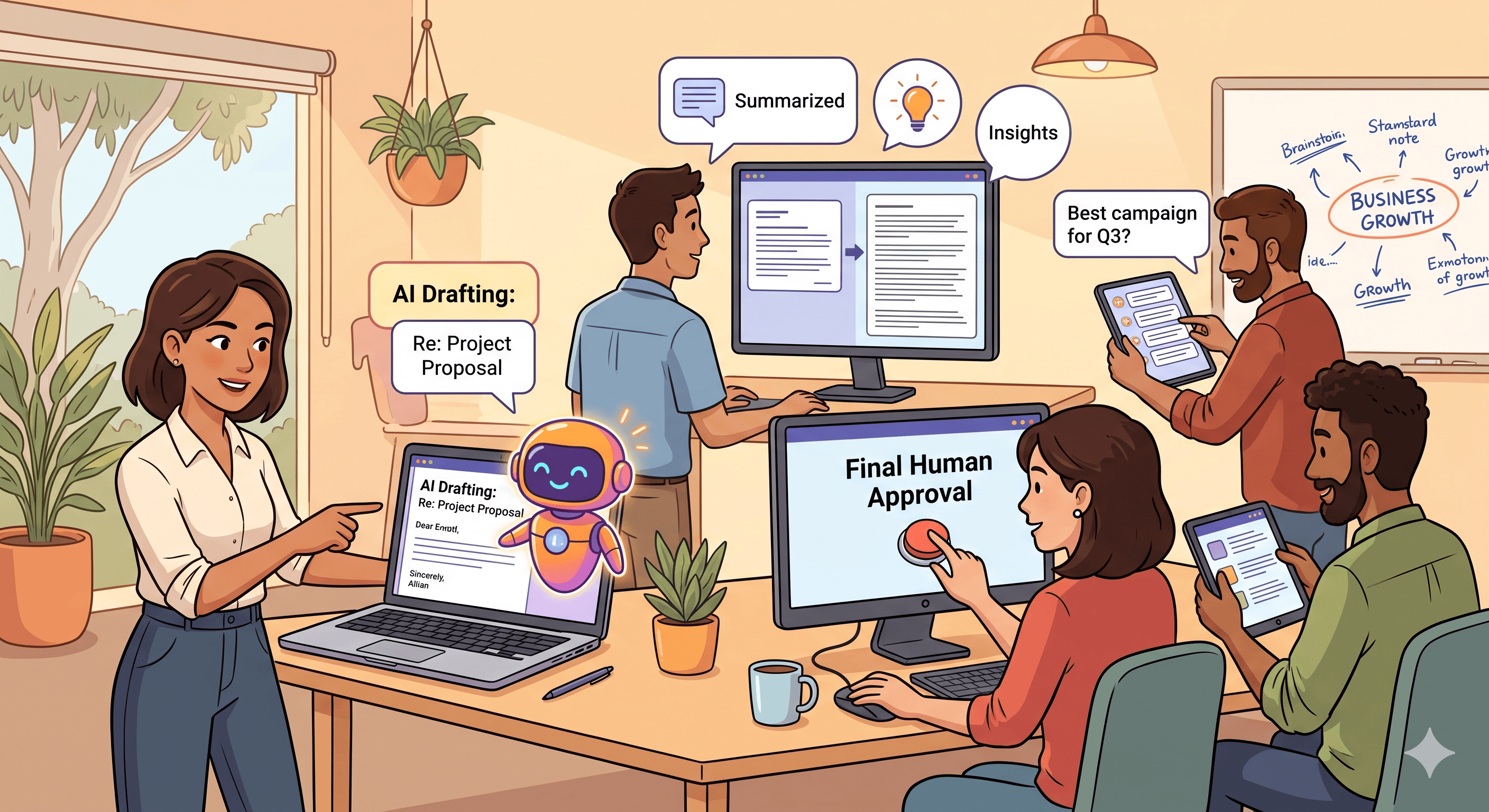
1. Off the shelf, through the Claude app. Your team uses Claude directly to draft, summarise, analyse, and brainstorm. It is quick to start, low cost, and a sensible first step. The limit is that it only knows what you paste into it, and it is separate from your systems.
2. Built into your business, through the Claude API. This is where it compounds. Custom tools that use Claude on your own data and connected to your own systems: a support assistant that answers from your real documentation, a tool that reads and sorts incoming documents, an internal assistant that knows your policies. This is proper AI integration, and it is the difference between a clever helper and a genuine capability.
What Claude can do for a business
Across both modes, the practical wins look like this:
- Drafting and editing in your tone: emails, proposals, reports, and marketing copy.
- Summarising and analysing long documents, contracts, and research.
- Customer support, answering common questions and drafting replies, the basis of a custom AI chatbot.
- Research and synthesis, pulling scattered information into a clear answer.
- Building software faster, helping your developers ship more.
- Powering automated workflows when connected to your systems, which shades into agentic AI and what to automate first.
The payoff is real: among Australian businesses already using AI, 79% reported productivity improvements.
The Australian reality: trust and privacy come first
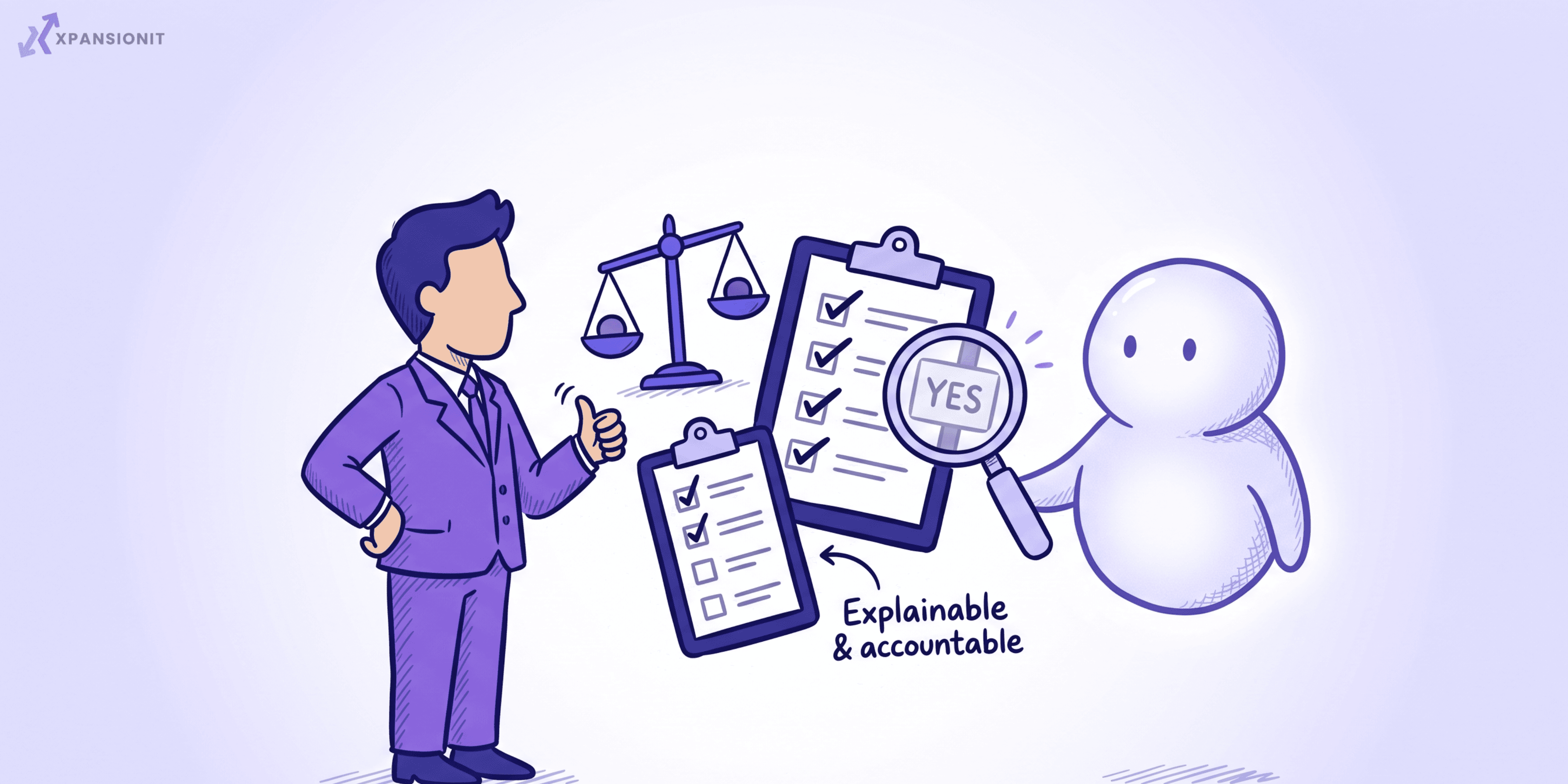
Here is the honest part. The same research shows the biggest barrier is not cost or capability, it is trust: around 65% of non-adopting Australian businesses cited a distrust of AI decision-making or a preference to keep humans in control. And 39% of Australian businesses flagged privacy and security concerns, higher than in the US, UK, or Canada.
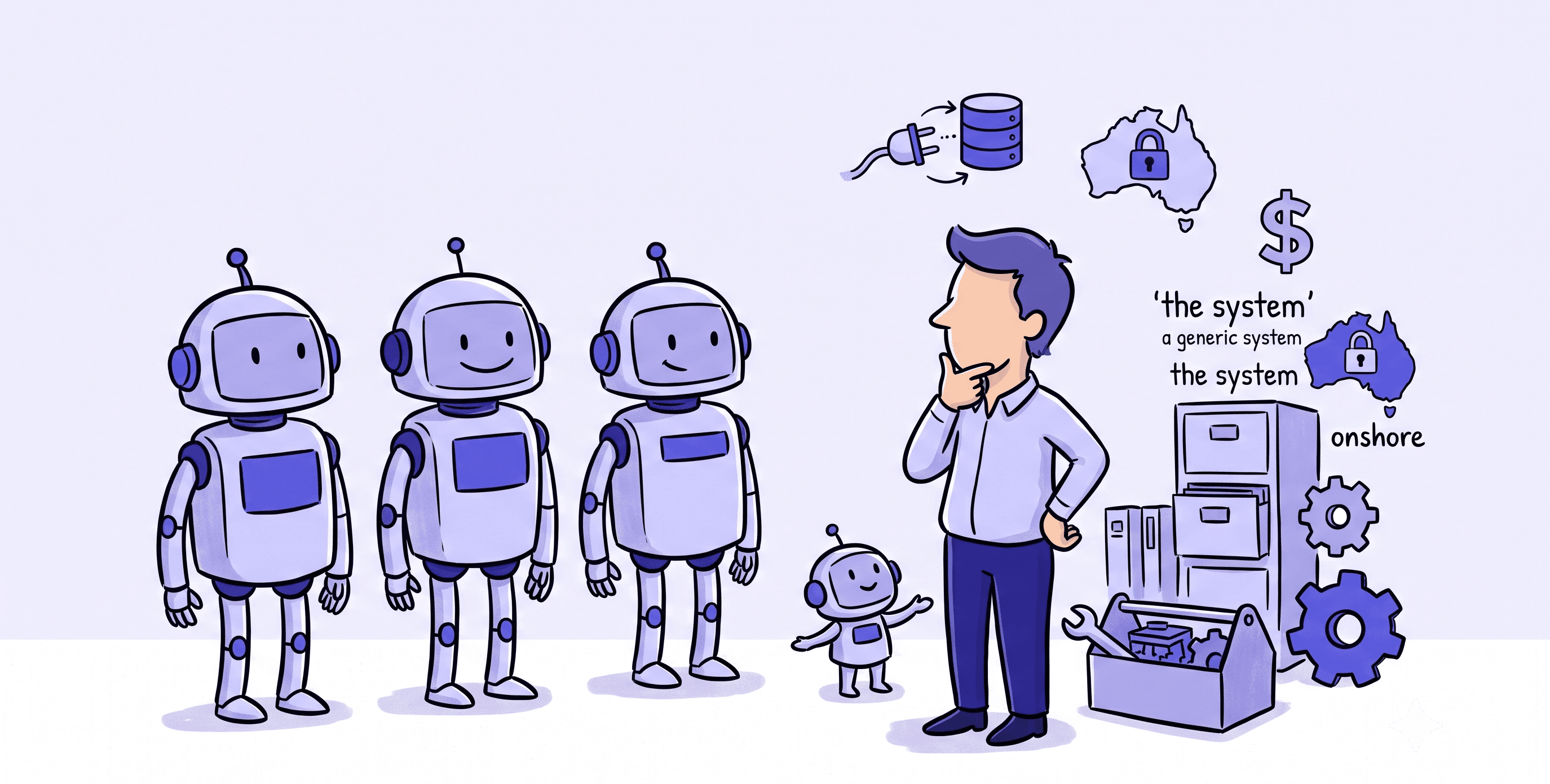
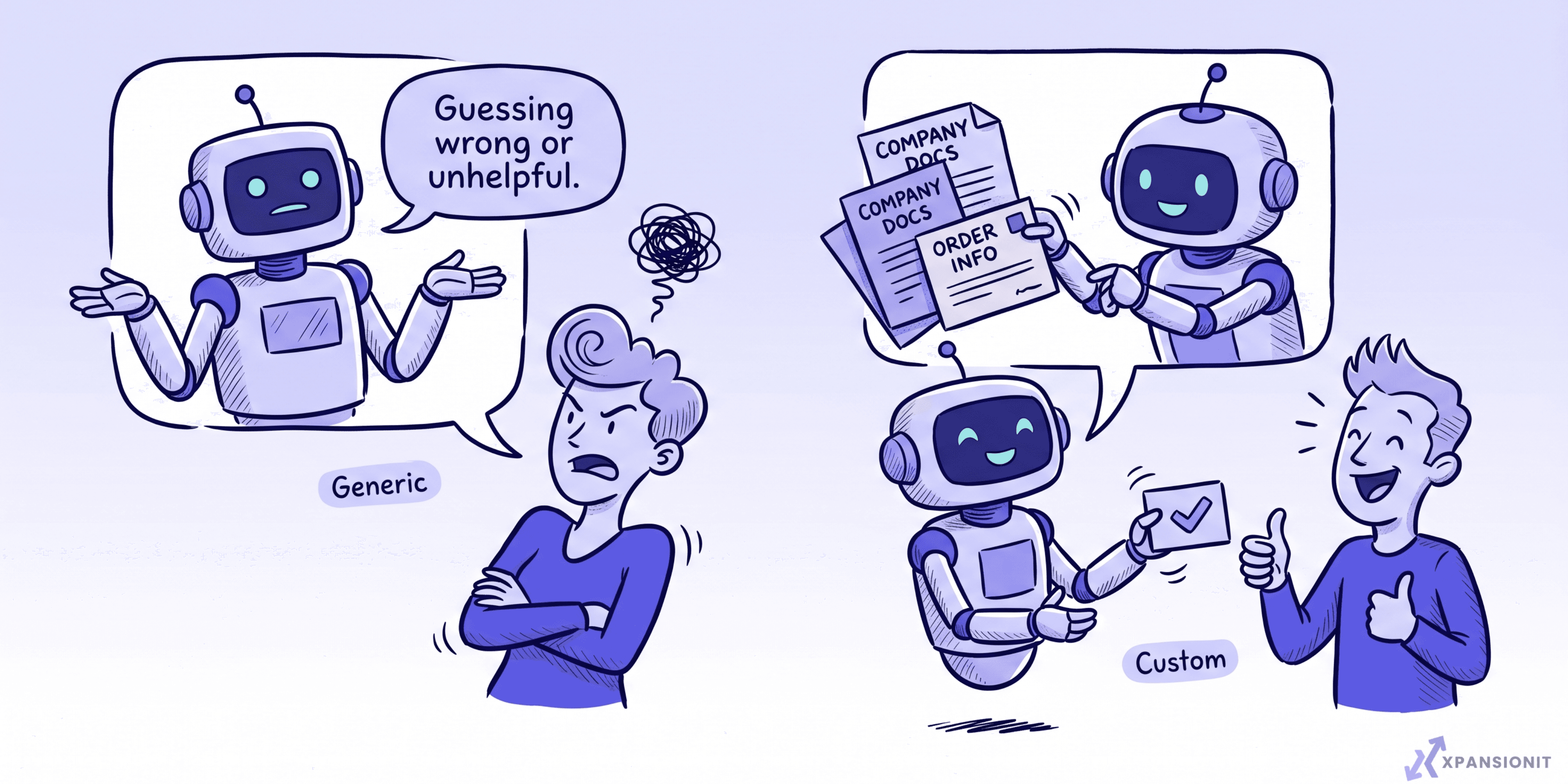
That is not a reason to avoid AI. It is a reason to do it properly. For an Australian business, that means being deliberate about what data you send, keeping a human in charge of important decisions, and building on your own information rather than trusting a generic tool to guess. It is exactly the "generic versus custom" point we make about AI chatbots: a tool built on your business, with guardrails, earns the trust a bolted-on one never will.
How to use Claude well
- Start with one high-value, repetitive task. Not "AI everywhere". One job your team does constantly.
- Build it on your own data. Accuracy comes from grounding Claude in your real documents and information, not from generic answers.
- Keep a human in the loop for anything that matters. Let Claude draft and assist; let people decide.
- Mind your data. Be clear about what information is sent and how it is handled, which is doubly important under Australian privacy expectations.
- Measure the result. Track the time or money saved on that one task before expanding.
How XpansionIT fits
We build custom, Claude-powered tools for Australian businesses, using the Claude API to put it to work on your own data and inside your own systems, safely and with a human in control. The wider context is in AI integration for Australian businesses, and the work itself sits under our generative AI integration and agentic workflow automation services.
How to start
Pick the one task that eats the most of your team's time and follows clear rules. Try it in the Claude app first to prove the value, then, if it is worth embedding, build it on your own data with a human in the loop. Start small, measure, and expand from what works.
The short version
Claude is a highly capable AI assistant from Anthropic that Australian businesses are using to draft, summarise, support customers, and power automated workflows. Use the app for quick wins, and the API to build custom tools on your own data for real, compounding value. With trust and privacy the top concerns for Australian businesses, the right approach is deliberate: start with one task, build on your own information, keep a human in control, and measure the result.
If you want to put Claude to work properly in your business, you can book an intro call and we will help you pick the right first use case.